Changing contracted service password
How to change the password for your contracted service
Follow the steps below to change the password for a service you have already contracted with Nice Hosting.
Access your account
Go to the Client Area at:
financeiro.nicehosting.com.br/login
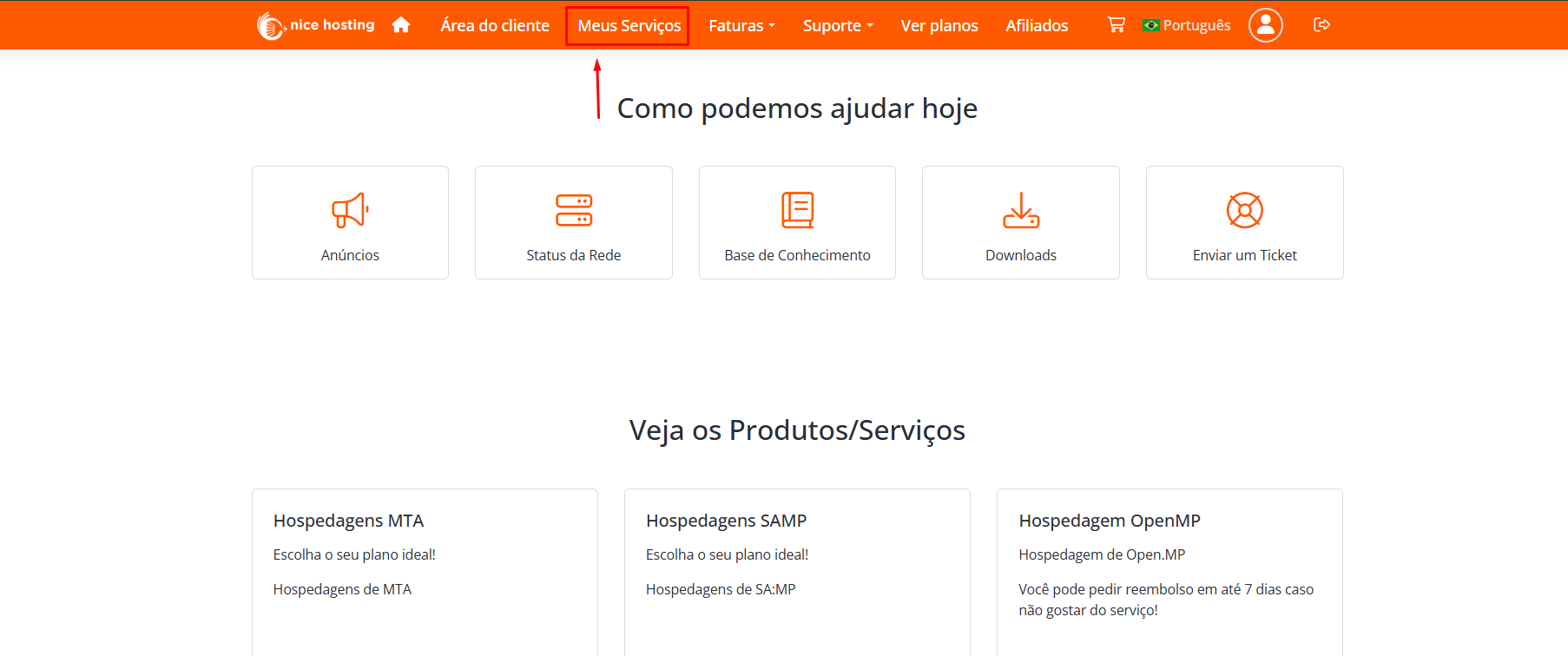
Click on My Services in the top menu
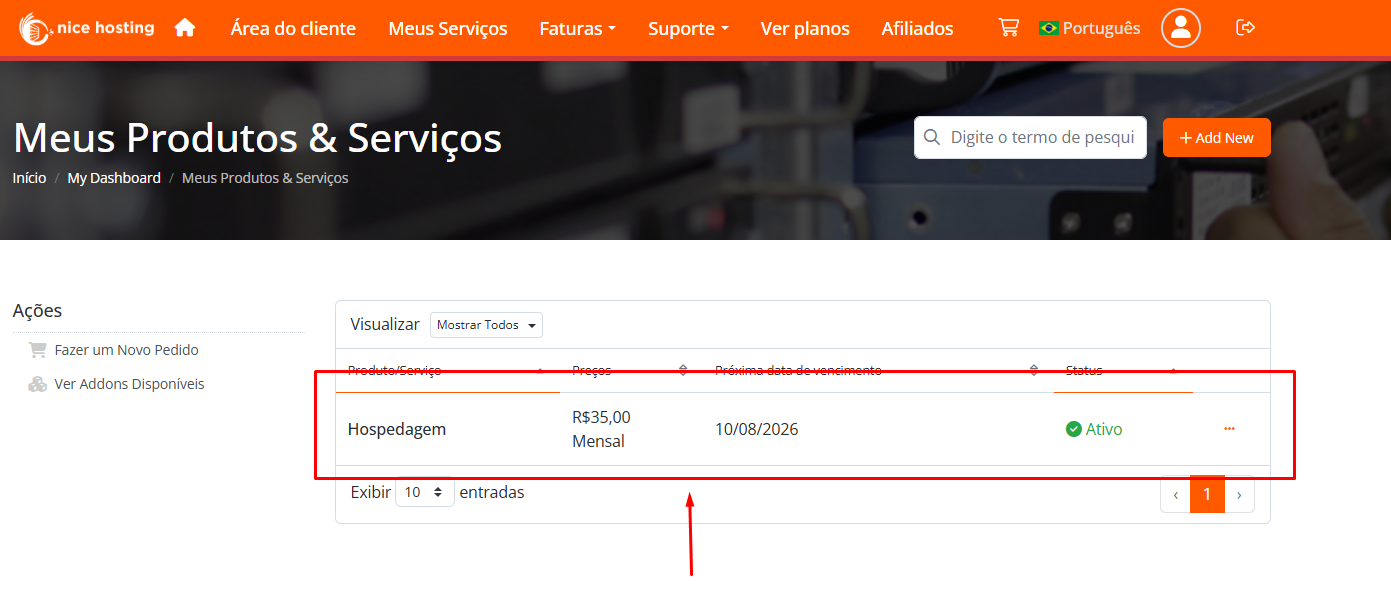
Select the desired service
You will see the list of services. Click on the service you want to change the password.
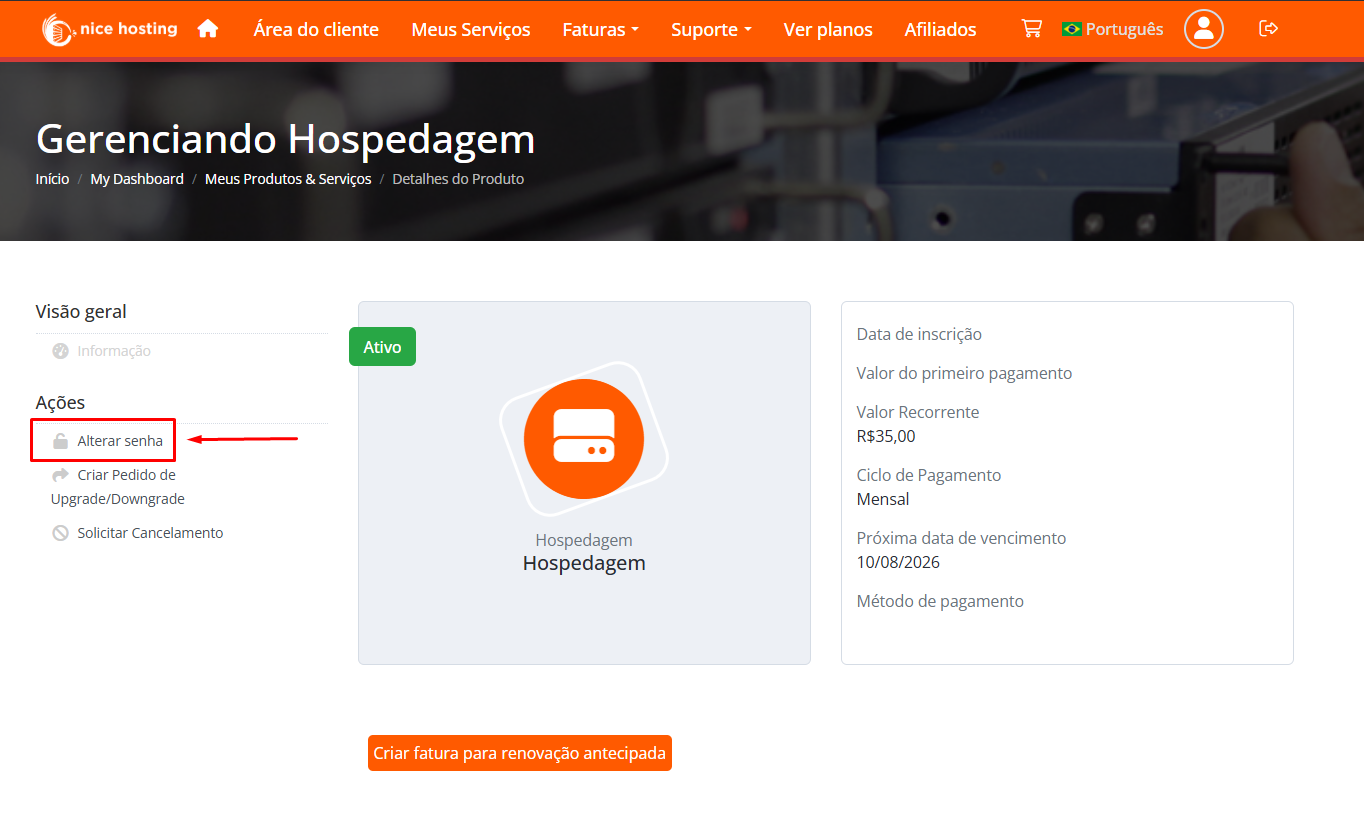
Click on Change Password
Choose your new password
Enter the new password and confirm in the fields displayed, then click Save.
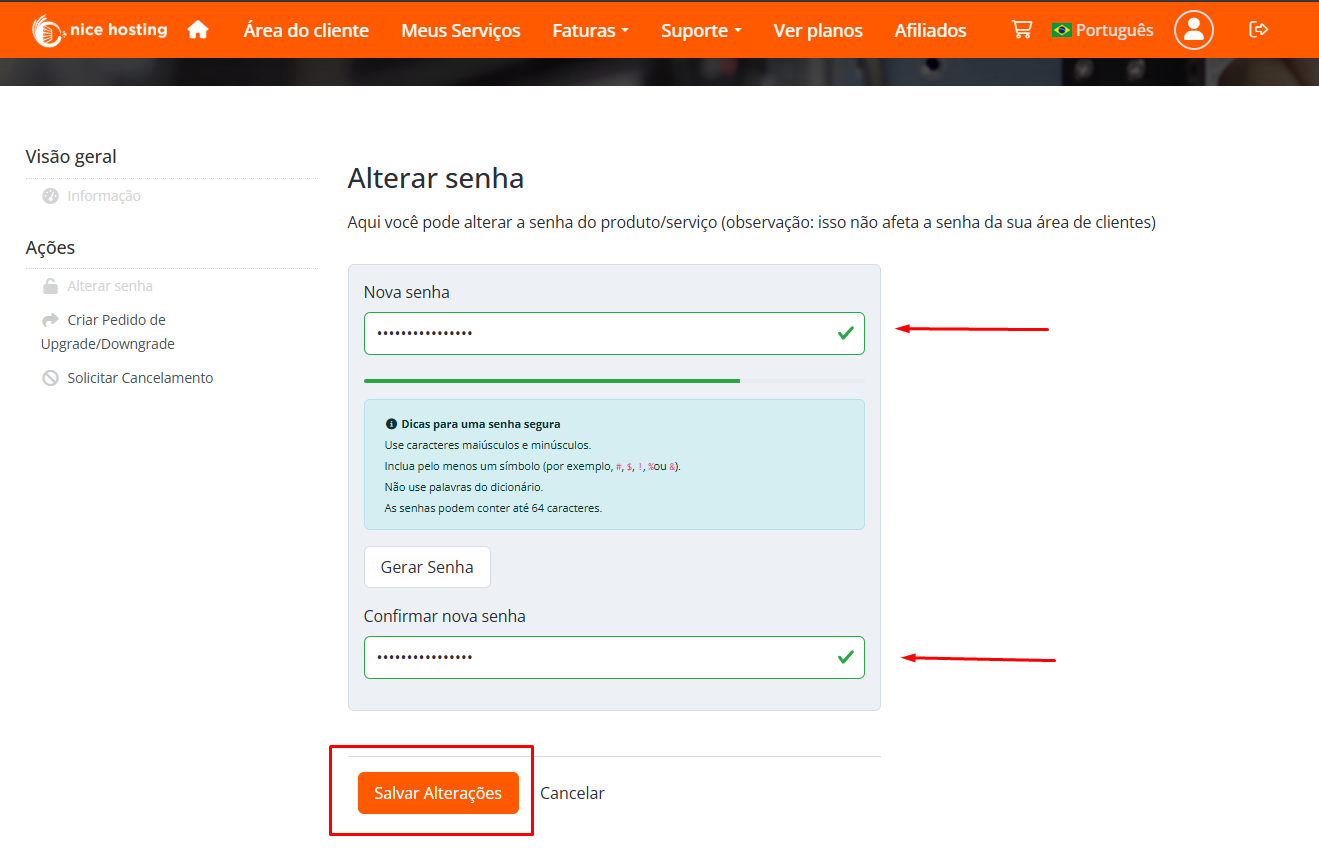
Security tip: use a strong password, with uppercase and lowercase letters, numbers and symbols.
If you still need help, open a ticket with our support.